Fire Your Web Guy.
Six steps, one AI agent, zero web guys.
I used to be the bottleneck. Someone wanted a header purple or a new show date added, and they had to wait for me. Now every site I build ships with a kit that lets the owner's own AI agent do the routine work — and I become the last resort instead of the help desk.
- 01
Build it with Claude
I build the site or app the normal way — with Claude Code doing the typing, tests and deploys gated so nothing sloppy reaches production.
- 02
Package it for the owner's agent
My agent writes a setup kit for that exact repository: install the tools, sign in, clone, verify, open a local preview. Setup never deploys.
- 03
The owner ships changes
They hand the kit to Claude Desktop on their own computer, then just describe changes. Preview, review, publish. I'm the last resort, not the help desk.
Two files, tailored per project.
A master setup template.The instructions an owner’s agent follows: detect the machine, bootstrap Git and GitHub, clone the project, install exactly the tools it needs, guide each sign-in one step at a time, run a read-only verifier, start a local preview, and write a plain-language report of what is ready and what isn’t.
A customization prompt.What my agent runs inside each repository to turn the template into that project’s kit: real commands from the real code, a verifier script with mock tests, and an honest list of anything it couldn’t resolve. No placeholders, no guessed versions, no secrets.
The verifier reports local readiness separately from deployment permission — being signed in is not proof you can publish — and setup never pushes, deploys or touches production.
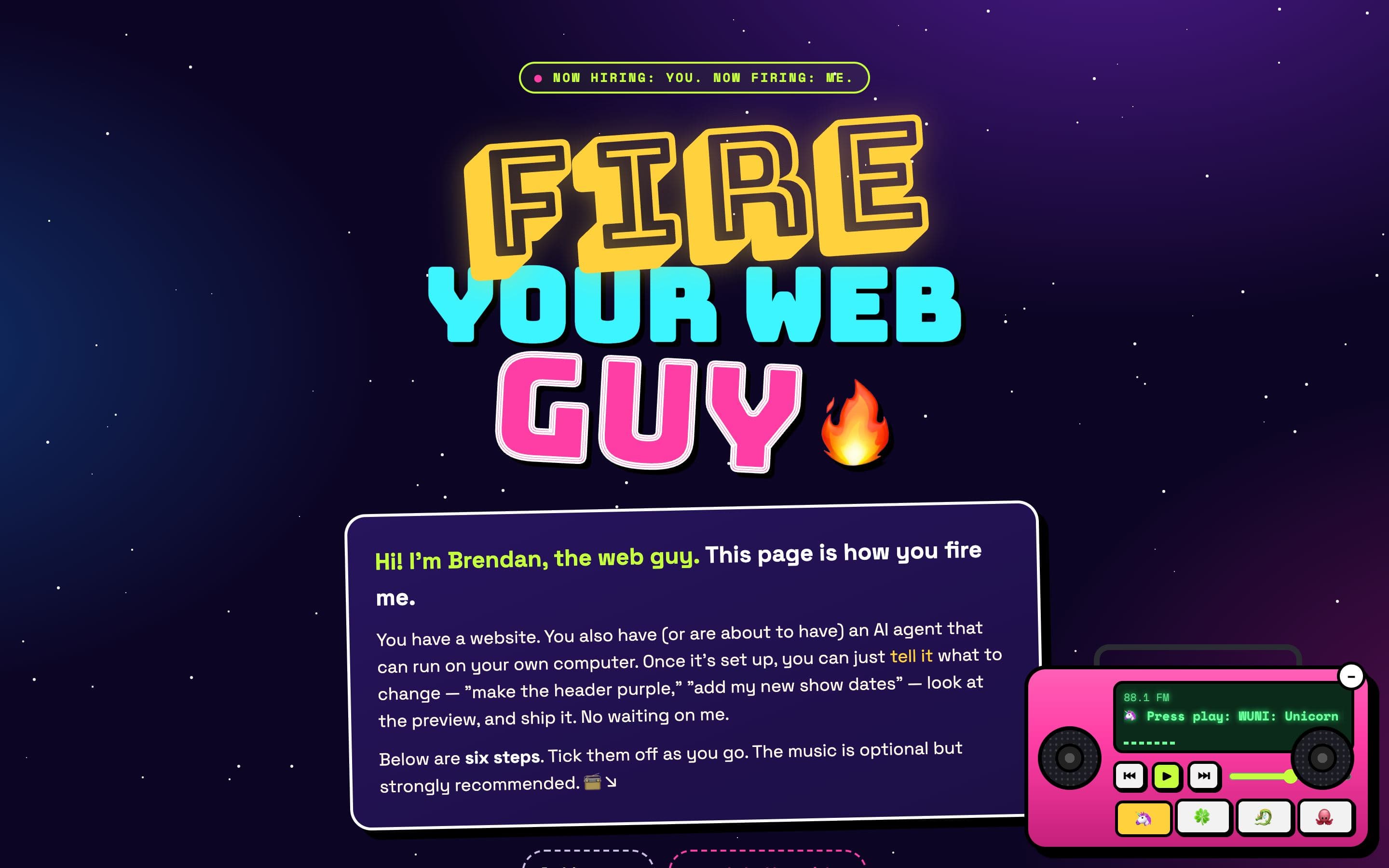
The owners’ page: a six-step checklist, a progress counter, music, and a Stuck-O-Meter.
- 01
Get an AI agent on your computer
Claude Desktop or ChatGPT Desktop — the app, not the website, so it can actually run things.
- 02
A heads-up about plans
The basic plan is fine to start. Active building may need the bigger one; downgrade any time.
- 03
Chrome + the agent extension
So your agent can see and click around web pages with you.
- 04
Accept the invites
GitHub for the code, Cloudflare for hosting. Keep logins handy. Never paste a password into chat.
- 05
Hand your agent the setup doc
“Follow this document to set up this project on my computer, verify it, and open a local preview.”
- 06
Stuck? Ask your agent first
Then ask it differently. After thirty minutes, the Stuck-O-Meter unlocks me.
Ask your agent first
It can read errors, look things up and try fixes. This works far more often than people expect.
Never paste passwords in chat
Sign-ins happen in the official browser page. The agent never sees a secret.
Preview before you publish
Every change is checked on a local copy of the site before it goes anywhere.
Setup never deploys
The kit installs, verifies and previews. Publishing is a separate, deliberate step.
Who has the keys.
Nine kits were delivered in the first week of October 2026. The ones with a page on this site are below; the other three are a second Tailgate repository, the Vault Sports Box 3D viewer, and a friends’ prototype.
| Project | Owner | Hand-off | What that means |
|---|---|---|---|
| Vault Sports Box | Vault Sports Box · Columbia Falls, Montana | Owner-run, live | The Vault Sports Box team makes live changes to vaultsportsbox.com with Claude Desktop. |
| Acting Studio Chicago | Acting Studio Chicago · Chicago, Illinois | Owner-run, local | The studio's owner makes changes to a local copy of the site with Claude Desktop. The production cutover is scheduled next. |
| Dr. Jennifer Romesser | Northern Utah Psychology & Consulting PLLC | Onboarded | Deploys to her own Cloudflare account; she has repository access and the setup kit. Her first solo change is pending. |
| The Atlantians | A tabletop RPG group | Owner-run, live | The group makes live changes to atlantians.fun with Claude Desktop. |
| Tailgate | A Notre Dame tailgate crew · not affiliated with the university | Onboarded | Setup kit delivered for the app and the server. No App Store release yet. |
| Next Move | A friend's prototype | Onboarded | Setup kit delivered. The owner's agent can build and run the prototype locally. |
| 523 | 523 · insurance & retirement guidance | Not yet | Launching once the owner has reviewed the copy. |